
LeadSense vs Salesforce — Which CRM Wins for Indian Sales Teams?
Salesforce Alternative India is what makes this solution stand out for Indian businesses. Salesforce is the world's largest CRM company. It is also, by a wide margin, the most expensive, most complex, and most overkill option for any Indian sales team under 200 people that primarily sells via WhatsApp and phone calls. This page gives you an objective, row-by-row comparison of both platforms — features, pricing, WhatsApp support, AI Calling, and onboarding complexity — so you can make the right decision for your team without a single sales call.
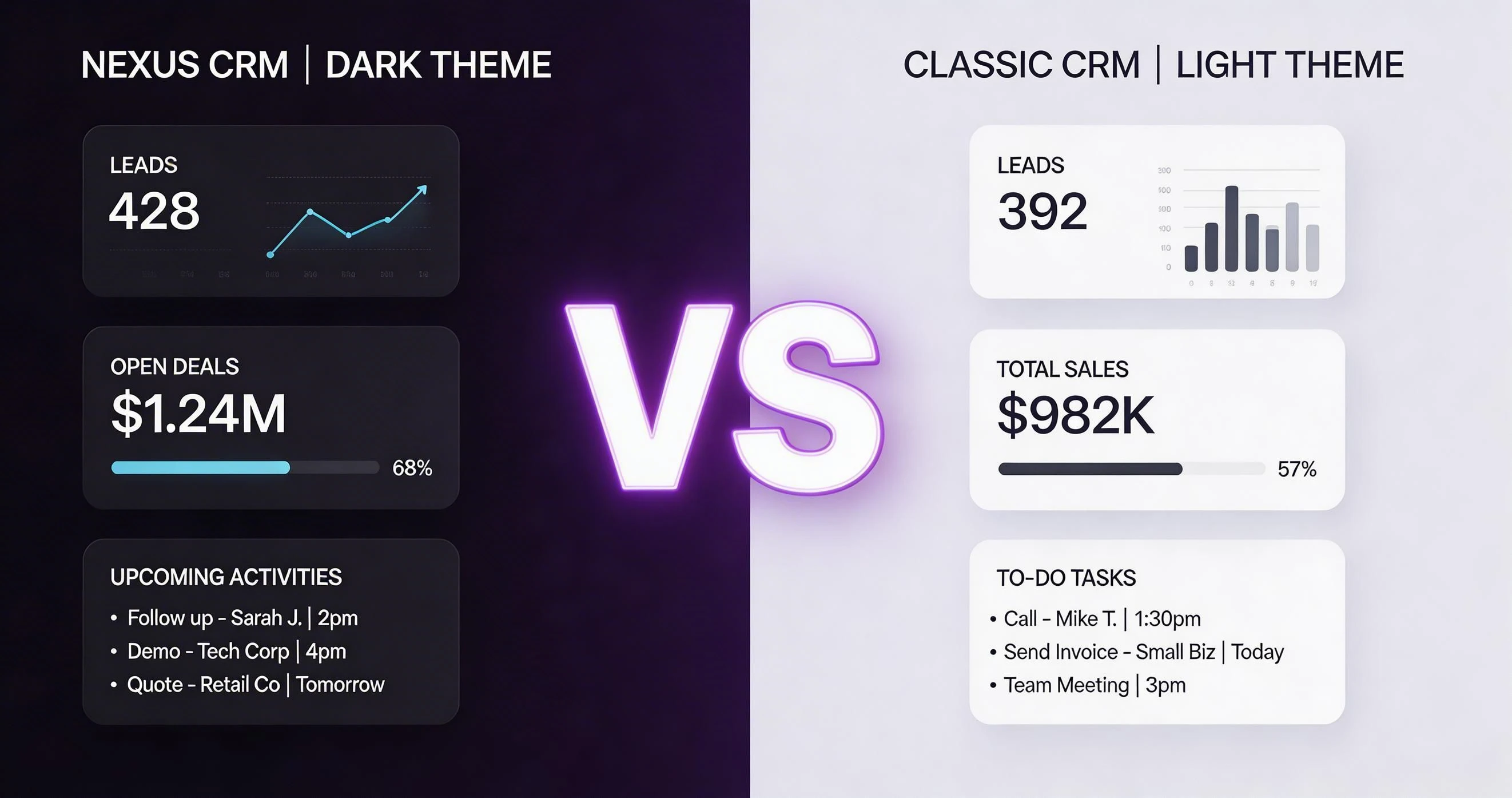
Salesforce Alternative India: Feature-by-Feature Comparison: LeadSense vs Salesforce
The table below covers the 15+ features that matter most to Indian sales teams. We have been as objective as possible — where Salesforce genuinely wins, we say so. This is a key consideration when evaluating salesforce alternative india for your business.
| Feature | LeadSense | Salesforce |
|---|---|---|
| Native WhatsApp Business API | Included (Growth+) | Requires Marketing Cloud add-on |
| AI Lead Scoring | Automated, real-time | Einstein AI (Enterprise+ only, expensive) |
| AI Calling | Included | Requires third-party CTI integration |
| Pricing (10 users) | ₹9,990/mo all-in | ₹1,20,000+/mo (Essentials) to ₹4,00,000+/mo (Enterprise) |
| Setup time | < 2 hours | 3-12 months with Salesforce partner |
| Implementation cost | Zero | ₹5-50 lakh typical SI cost |
| IndiaMART / Justdial | Native | Requires AppExchange connector (paid) |
| Admin required | No | Yes — full-time Salesforce admin |
| Free plan | Yes, 3 users | No free plan |
| Customisation depth | Moderate | Extremely deep but complex |
| Mobile app | Full-featured | Salesforce Mobile (complex UI) |
| Multi-tenant | Available | Available (Salesforce ISV) |
| Revenue forecasting | Weighted by stage | Very advanced (collaborative) |
| Data residency India | Mumbai / Hyderabad | India region available |
| Support in India | WhatsApp, 4 hr | Local partner varies |
| Annual contract lock-in | No (monthly available) | Typically annual contract required |
Salesforce Alternative India: Pricing Comparison
Salesforce is designed for enterprise-scale organisations with dedicated IT teams, Salesforce admins, and system integrators. The entry-level Salesforce Starter Suite is approximately $25/user/month (₹2,000/user/month), but meaningful features for a sales team require Salesforce Pro Suite at $100/user/month (₹8,300/user/month) or Enterprise at $165/user/month (₹13,750/user/month). This is a key consideration when evaluating salesforce alternative india for your business.
Beyond licence fees, most Indian organisations deploying Salesforce spend ₹5-50 lakh on implementation with a Salesforce partner (SI), ₹2-10 lakh on annual admin support, and additional costs for AppExchange connectors. Total cost of ownership for a 20-person team over 3 years frequently exceeds ₹1 crore. This is a key consideration when evaluating salesforce alternative india for your business.
LeadSense Growth for 20 users is ₹19,980/month — ₹2,39,760/year — fully self-serve, no admin, no SI, no AppExchange fees. For Indian SMEs and mid-market companies, this is not a close comparison. This is a key consideration when evaluating salesforce alternative india for your business.
Pros and Cons
LeadSense — Strengths
- 10-100× cheaper total cost of ownership
- Zero implementation cost or admin overhead
- WhatsApp and AI Calling included
- Live in hours, not months
- Purpose-built for Indian market
- No annual contract lock-in on Growth
Salesforce — Strengths
- Unlimited customisation depth
- Massive AppExchange platform
- Industry-specific clouds (Financial, Healthcare)
- Best-in-class enterprise reporting
- Global compliance certifications
- Strong for 500+ seat enterprises
How to Migrate from Salesforce to LeadSense
Switching CRMs sounds painful. In practice, migrating from Salesforce to LeadSense takes a few hours, not weeks. Here is the standard migration path:
Export from Salesforce
In Salesforce, use the Data Export tool (Setup → Data → Data Export) to export Accounts, Contacts, Opportunities, and Activities as CSV. For large datasets, schedule a weekly export. This is a key consideration when evaluating salesforce alternative india for your business.
Clean and Prepare Data
Salesforce exports often contain many system fields irrelevant to LeadSense. Clean the CSV to retain only the fields you actively use — typically 10-20 fields rather than the 100+ Salesforce generates. This is a key consideration when evaluating salesforce alternative india for your business.
Create Custom Fields in LeadSense
Map your active Salesforce custom fields to LeadSense custom fields. LeadSense supports text, number, date, dropdown, multi-select, and lookup field types.
Import Contacts and Accounts
Upload your Salesforce contact CSV. LeadSense creates company/account records automatically from company field values.
Import Opportunities as Deals
Map Salesforce Opportunity stages to your LeadSense pipeline stages. Opportunity amount maps to Deal Value. Close date maps to Expected Close Date.
Decommission Salesforce Integration by Integration
Rather than switching cold turkey, disable Salesforce integrations one by one (IndiaMART connector, email integration, etc.) and enable the LeadSense equivalents in parallel.
Enterprise teams get a dedicated migration engineer who maps custom fields, validates data integrity before go-live, and provides a 30-day hypercare period post-migration. Contact us on WhatsApp to scope your migration.
Verdict
Choose LeadSense if: You are an Indian SME or mid-market company with 5-200 users that needs a CRM with WhatsApp, AI Calling, and pipeline management — and wants to be live in hours rather than months. Salesforce is overkill for your scale and your budget. The features you actually use daily are all in LeadSense at a fraction of the cost.
Choose Salesforce if: You are a 500+ seat enterprise with dedicated IT resources, complex territory management requirements, multi-currency multi-country operations, and the budget for a proper Salesforce implementation. At that scale, Salesforce's customisation depth, compliance certifications, and partner platform have genuine value that LeadSense does not yet match.
For 90% of Indian businesses asking "Should I use Salesforce or something simpler?", the honest answer is: something simpler. Salesforce is not a bad product — it is the wrong product for your stage and your workflow.
Related Comparisons
Detailed Pricing Breakdown: LeadSense vs Salesforce
Choosing a CRM is as much a financial decision as a functional one. Below is a tier-by-tier comparison of what you actually pay — in Indian Rupees — across every plan both platforms offer. Hidden add-ons and per-feature charges are noted where they apply.
| Plan Tier | LeadSense | Salesforce |
|---|---|---|
| Free / Trial | Free — 3 users, 500 contacts, WhatsApp inbox | No free plan — 30-day trial only |
| Entry | ₹999/user/mo — full features, WhatsApp API included | Starter Suite $25/user/mo (~₹2,100) — very limited customisation |
| Mid Tier | ₹999/user/mo (flat Growth plan) | Professional $80/user/mo (~₹6,700) — automation, API access |
| Enterprise | Custom ~₹600–900/user/mo at scale | Enterprise $165/user/mo (~₹13,800) — custom objects, advanced AI |
| Unlimited | Custom pricing | Unlimited $330/user/mo (~₹27,400) — full Einstein AI, 24/7 support |
| WhatsApp API | Included in all paid plans | Via Marketing Cloud or third-party (adds ₹15,000–50,000+/mo) |
| Implementation cost | Free onboarding | Typical SI implementation: ₹5–25 lakh for SMB deployments |
LeadSense pricing includes WhatsApp Business API messaging, built-in AI lead scoring, and unlimited pipelines at every paid tier. There are no separate charges for API access, automation runs, or support tickets. The Growth plan at ₹999/user/month covers everything most Indian SMBs need without requiring upgrades to access core features.
Real-World Cost Scenario: 8-Person Team, 10,000 WhatsApp Messages & 500 AI Calls/Month
Pricing pages can be misleading. Here is what an 8-person Indian sales team actually pays annually on each platform when they send 10,000 WhatsApp messages and trigger 500 AI-powered lead-qualification calls every month.
8 users × ₹999/mo × 12 = ₹95,904/year
WhatsApp API: included
AI calls: included
Implementation: free
Total: ~₹95,904/year
8 users × $80/mo × 12 × ₹83 = ₹6,39,360/year
WhatsApp via third-party connector: ~₹20,000/mo = ₹2,40,000/year
SI implementation (one-time): ~₹8,00,000
Year-1 Total: ~₹16,79,360
Salesforce Professional costs an Indian SMB team of 8 over ₹15 lakh more in year one than LeadSense — and that assumes a lean SI implementation. Many Salesforce deployments for SMBs in India cost ₹20–50 lakh in year one when admin salaries, customisation, and training are included. LeadSense is production-ready in days, not months.
The scenarios above use current published pricing as of early 2025. Exchange rates for USD-priced tools are calculated at ₹83/USD. Always verify pricing directly with vendors before signing contracts.
How to Switch from Salesforce to LeadSense
Migrating CRMs feels daunting, but thousands of Indian teams have made the switch without losing a single contact or deal. LeadSense provides free migration support — a dedicated onboarding specialist walks your team through every step. Here is the full process.
The entire migration typically completes in 3–7 business days for teams under 20 users. Enterprise migrations with complex custom objects may take 2–3 weeks. Either way, your Salesforce account stays live throughout the transition so there is zero downtime for your sales team.
Why Indian Teams Specifically Choose LeadSense Over Salesforce
Salesforce is the world's largest CRM and genuinely powerful for enterprises with dedicated admin teams and deep IT budgets. For Indian SMBs and mid-market companies, it is consistently over-engineered, over-priced, and under-localised.
Indian B2B companies with 10–100 person sales teams often start with Salesforce because it feels "enterprise grade" — then spend 6 months and ₹20 lakh getting it configured. LeadSense is enterprise-capable and live in a week.
Companies selling to government bodies track complex multi-stakeholder deals. LeadSense's multi-pipeline view handles tender-based selling without requiring Salesforce custom objects or expensive consultants to build custom modules.
Pharma field reps visiting hospitals and clinics across India log visits, samples, and follow-ups on mobile. LeadSense's offline-capable mobile app is built for field use; Salesforce Mobile requires reliable connectivity and a high-spec phone.
CA firms, law practices, and consulting businesses managing client pipelines find Salesforce's object model overly complex for relationship-based selling. LeadSense's contact-centric model mirrors how professional services teams naturally think about client management.
The hidden cost of Salesforce for Indian companies is the Salesforce Administrator — a skilled resource that commands ₹8–15 lakh per year in salary. LeadSense is designed for business users to configure and manage without technical expertise, eliminating this overhead entirely.
Frequently Asked Questions
See LeadSense for Yourself — Free, No Card Needed
Start your 14-day Growth trial and compare it directly with your current Salesforce account. Most teams make their decision within the first week.