
LeadSense vs Zoho CRM — Which CRM Wins for Indian Sales Teams?
Leadsense Vs Zoho Crm is what makes this solution stand out for Indian businesses. Zoho CRM is a powerful platform — but for Indian sales teams, it has two persistent pain points: WhatsApp requires a paid third-party add-on that often breaks, and pricing in USD means your costs creep up every time the rupee slides. This page gives you an objective, row-by-row comparison of both platforms — features, pricing, WhatsApp support, AI Calling, and onboarding complexity — so you can make the right decision for your team without a single sales call.
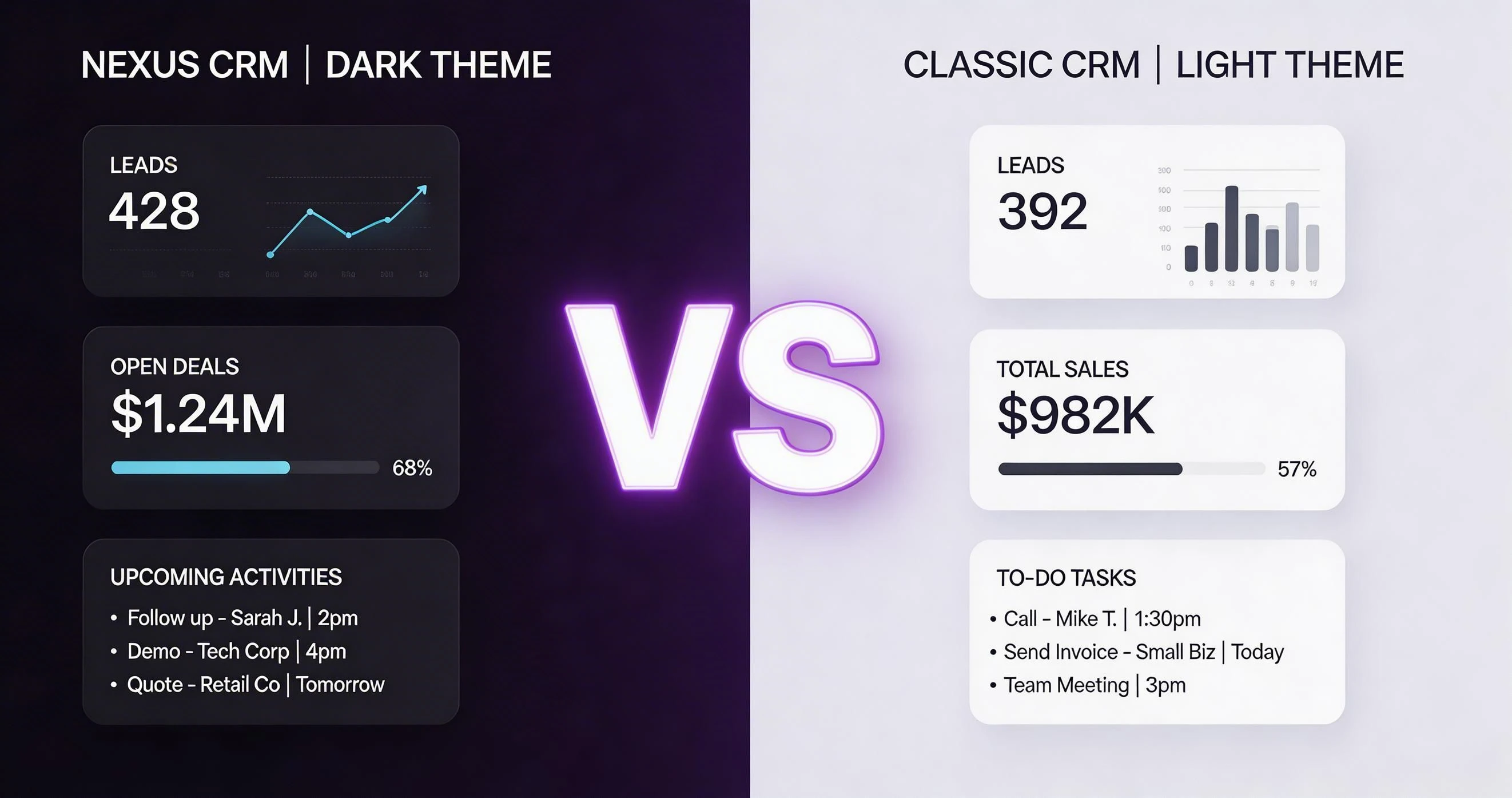
Feature-by-Feature Comparison: LeadSense vs Zoho CRM
The table below covers the 15+ features that matter most to Indian sales teams. We have been as objective as possible — where Zoho CRM genuinely wins, we say so.
| Feature | LeadSense | Zoho CRM |
|---|---|---|
| Native WhatsApp Business API | Included (Growth+) | Paid add-on via marketplace |
| AI Lead Scoring | 40+ signals, real-time | Rule-based only (manual config) |
| AI Calling with transcription | 100 min/user/mo included | Not available natively |
| Pricing currency | INR, fixed | USD-pegged, fluctuates |
| Starter free plan | 3 users, forever free | Free but very limited |
| Growth plan cost (5 users) | ₹4,995/mo | ~₹8,000/mo + WhatsApp add-on |
| IndiaMART / Justdial integration | Native, one-click | Requires Zoho Flow / third-party |
| Onboarding time | < 2 hours (self-serve) | 1-4 weeks typical |
| Mobile app quality | Full pipeline + WhatsApp + calling | Full-featured but complex |
| Auto data enrichment | Included (Growth) | Requires Zoho DataEnrich (extra cost) |
| Multi-tenant / white-label | Available (Enterprise) | Zoho CRM Plus (very expensive) |
| Call recording storage | 90 days, included | Requires Zoho Voice add-on |
| Automation workflows | Visual builder, 20 active (Growth) | Complex, requires Zoho Flow |
| Revenue forecasting | Weighted, by stage | Available but UI is complex |
| Data residency in India | AWS Mumbai / Hyderabad | India region available but not default |
| Support language | Hindi + English | English primarily |
Pricing Comparison
Zoho CRM Professional for 5 users costs approximately ₹16,000/month at current USD-INR rates (the plan is priced in USD at $20/user/month). Add a WhatsApp integration app from the Zoho Marketplace — typically ₹5,000-10,000/month depending on message volume — and you are at ₹21,000-26,000 per month for 5 users.
LeadSense Growth for 5 users is ₹4,995/month, including native WhatsApp API and AI Calling. That is a saving of ₹16,000+ per month for the same team size — with more India-relevant features included.
Zoho's dollar pricing also means your bill effectively increases every time the rupee weakens against the dollar. LeadSense pricing is fixed in INR — a ₹999 seat is ₹999 regardless of currency movements.
Pros and Cons
LeadSense — Strengths
- Native WhatsApp included, no extra cost
- AI Calling with transcription built in
- Fixed INR pricing — no currency risk
- Live in under 2 hours
- India-specific integrations (IndiaMART, Justdial)
- AI lead scoring out of the box
Zoho CRM — Strengths
- Deeper platform (Books, Desk, Campaigns)
- More advanced reporting at Enterprise tier
- Longer track record and brand recognition
- Broader global third-party integrations
LeadSense — Limitations
- Newer product — fewer legacy integrations
- No built-in email marketing module (planned)
- Smaller community / third-party plugin platform
Zoho CRM — Limitations
- Complex UI with steep learning curve
- WhatsApp is an expensive add-on, not native
- USD pricing unpredictable for Indian SMEs
- Long implementation time for SMEs
- Customer support quality inconsistent in India
How to Migrate from Zoho CRM to LeadSense
Switching CRMs sounds painful. In practice, migrating from Zoho CRM to LeadSense takes a few hours, not weeks. Here is the standard migration path:
Export Your Zoho Data
In Zoho CRM, go to Setup → Data Administration → Export. Export Contacts, Deals, Accounts, and Activities as CSV files. Note any custom fields — you will need to recreate them in LeadSense.
Set Up Your LeadSense Account
Sign up for the Growth trial via WhatsApp. Configure your pipeline stages to mirror your Zoho pipeline. Create custom fields matching your Zoho field structure using the field builder.
Import Contacts and Deals
Use the LeadSense CSV import wizard. Map Zoho field names to LeadSense fields using the drag-and-drop column mapper. Run the import in a test environment first to validate data quality.
Connect WhatsApp
In LeadSense Settings, connect your WhatsApp Business number. This takes 15-30 minutes. Your WhatsApp history from Zoho (if any) cannot be migrated — only future conversations are captured in LeadSense.
Rebuild Automations
Recreate your Zoho workflow rules as LeadSense automation flows. Most Zoho workflows map directly to equivalent LeadSense triggers. The visual automation builder makes this faster than Zoho's configuration UI.
Run Parallel for 14 Days
Keep Zoho active during your LeadSense trial. Use the 14-day Growth trial to validate data integrity and get team buy-in before cancelling Zoho.
Enterprise teams get a dedicated migration engineer who maps custom fields, validates data integrity before go-live, and provides a 30-day hypercare period post-migration. Contact us on WhatsApp to scope your migration.
Verdict
Choose LeadSense if: You are an Indian SME or mid-market team prioritising WhatsApp-native CRM, fast onboarding, and fixed INR pricing. You will save ₹10,000-20,000 per month compared to Zoho + WhatsApp add-on, and you will be live in hours instead of weeks.
Stick with Zoho CRM if: You are already deeply integrated with other Zoho products (Zoho Books for accounting, Zoho Desk for support, Zoho Campaigns for email marketing) and the switching cost of those integrations outweighs the CRM-level savings. Zoho's broader platform has genuine value for companies that use 4+ Zoho products together.
For teams whose primary use case is sales pipeline management with WhatsApp and calling — which describes the majority of Indian SME sales operations — LeadSense wins on price, speed, and WhatsApp depth.
Related Comparisons
Detailed Pricing Breakdown: LeadSense vs Zoho CRM
Choosing a CRM is as much a financial decision as a functional one. Below is a tier-by-tier comparison of what you actually pay — in Indian Rupees — across every plan both platforms offer. Hidden add-ons and per-feature charges are noted where they apply.
| Plan Tier | LeadSense | Zoho CRM |
|---|---|---|
| Free | Free — 3 users, 500 contacts, WhatsApp inbox included | Free — 3 users, 1,000 contacts, no WhatsApp native |
| Starter / Growth | ₹999/user/mo — unlimited contacts, AI scoring, WhatsApp API | Standard ₹800/user/mo — basic automation, no WhatsApp API |
| Mid Tier | ₹999/user/mo (same plan, no artificial tier split) | Professional ₹1,400/user/mo — AI predictions (limited), no WhatsApp API |
| Enterprise | Custom pricing ~₹600–900/user/mo at scale | Enterprise ₹2,400/user/mo — full AI suite, WhatsApp via third-party connector |
| WhatsApp API add-on | Included in all paid plans | Requires separate Zoho SalesIQ or third-party integration (~₹500–1,500/mo extra) |
| AI Lead Scoring | Included from Growth plan | Zia AI only in Professional & Enterprise plans |
LeadSense pricing includes WhatsApp Business API messaging, built-in AI lead scoring, and unlimited pipelines at every paid tier. There are no separate charges for API access, automation runs, or support tickets. The Growth plan at ₹999/user/month covers everything most Indian SMBs need without requiring upgrades to access core features.
Real-World Cost Scenario: 8-Person Team, 10,000 WhatsApp Messages & 500 AI Calls/Month
Pricing pages can be misleading. Here is what an 8-person Indian sales team actually pays annually on each platform when they send 10,000 WhatsApp messages and trigger 500 AI-powered lead-qualification calls every month.
8 users × ₹999/mo × 12 = ₹95,904/year
WhatsApp API messaging: included (10,000 msgs/mo)
AI lead calls: included
Migration support: free
Total: ~₹95,904/year
8 users × ₹1,400/mo × 12 = ₹1,34,400/year
WhatsApp via Zoho SalesIQ: ~₹6,000/mo extra = ₹72,000/year
AI features: included in Professional
Total: ~₹2,06,400/year
Switching from Zoho CRM Professional to LeadSense Growth saves an 8-person Indian sales team approximately ₹1,10,000 per year while gaining native WhatsApp threading, regional language support, and faster mobile performance on 4G networks common in Tier-2 and Tier-3 cities.
The scenarios above use current published pricing as of early 2025. Exchange rates for USD-priced tools are calculated at ₹83/USD. Always verify pricing directly with vendors before signing contracts.
How to Switch from Zoho CRM to LeadSense
Migrating CRMs feels daunting, but thousands of Indian teams have made the switch without losing a single contact or deal. LeadSense provides free migration support — a dedicated onboarding specialist walks your team through every step. Here is the full process.
The entire migration typically completes in 3–7 business days for teams under 20 users. Enterprise migrations with complex custom objects may take 2–3 weeks. Either way, your Zoho CRM account stays live throughout the transition so there is zero downtime for your sales team.
Why Indian Teams Specifically Choose LeadSense Over Zoho CRM
Zoho CRM is an Indian product and genuinely good for many use cases. But thousands of Indian SMBs are switching to LeadSense for one simple reason: WhatsApp is where Indian buyers actually respond, and Zoho's WhatsApp support requires paying for SalesIQ or wiring up third-party connectors.
Mumbai, Pune, and Bengaluru brokers handling 200+ enquiries a week find Zoho's lead pipeline gets cluttered across modules. LeadSense consolidates WhatsApp chat + CRM record in one screen, cutting follow-up time by 40%.
Coaching institutes in Rajasthan and UP receive most enquiries via WhatsApp. LeadSense's AI-powered lead qualification filters serious applicants automatically, saving counsellors hours of manual calling every day.
SME manufacturers in Ludhiana and Surat managing dealer networks need a CRM that runs fast on basic Android phones. LeadSense's lightweight mobile app outperforms Zoho's mobile client on low-RAM devices.
BFSI teams in Chennai and Hyderabad cite DPDP Act compliance as a reason to prefer Indian-hosted solutions. LeadSense stores all data in Indian data centres by default — no configuration required.
Unlike Zoho's modular pricing that charges separately for CRM, SalesIQ, Campaigns, and Analytics, LeadSense bundles these capabilities in a single subscription with no surprise invoices at renewal.
Frequently Asked Questions
See LeadSense for Yourself — Free, No Card Needed
Start your 14-day Growth trial and compare it directly with your current Zoho CRM account. Most teams make their decision within the first week.